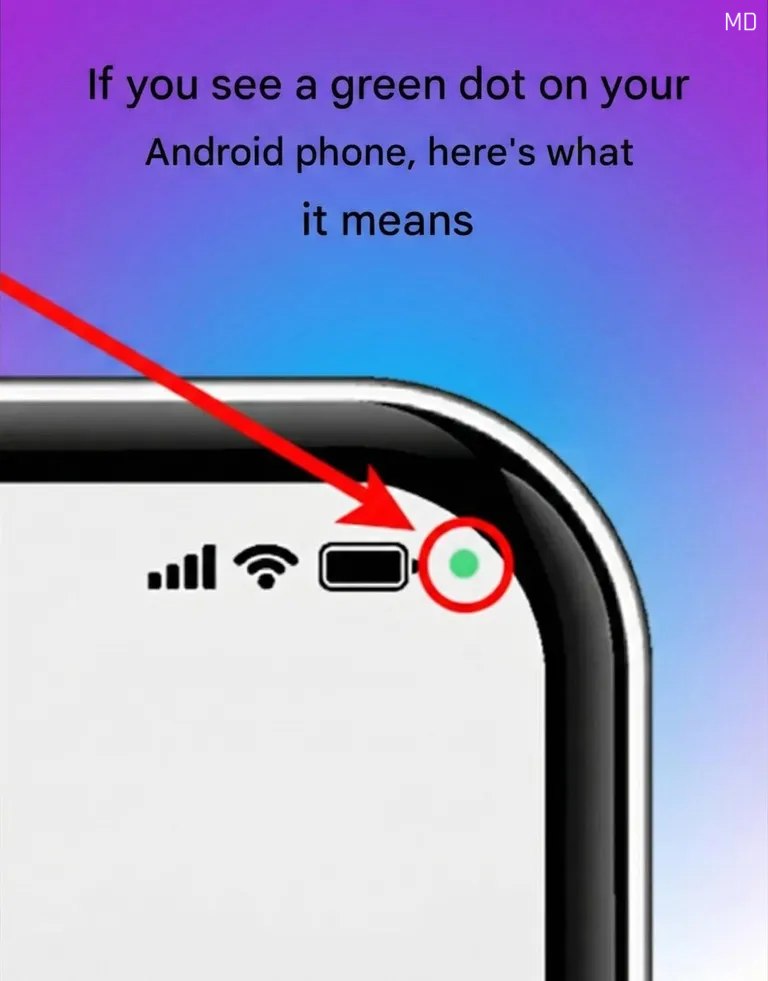
If you have noticed a small green dot appearing in the upper-right corner of your Android phone, there’s no need to panic. This subtle symbol is actually a built-in privacy feature designed to keep you informed. The green dot serves as a real-time indicator that an app on your device is currently using sensitive hardware components, specifically your camera, microphone, or both. Introduced as part of Android’s enhanced privacy updates, this feature aims to give users greater transparency and control over how their devices operate.
The green indicator typically appears when you intentionally use apps that require access to these features. For example, it may show up during video calls, while recording voice messages, using voice assistants, or taking photos and videos. In these situations, the appearance of the green dot simply confirms that the app is actively using the permission you granted. It’s not a warning of danger, but rather a visual reminder that certain hardware components are in use.
However, if the green dot appears when you are not actively using your camera or microphone, it may be worth taking a closer look. Android makes it easy to identify which app is responsible. Simply swipe down from the top of your screen to open the notification panel. Tapping on the privacy indicator will expand it and display details about which app is accessing the camera or microphone. This added layer of visibility helps users quickly determine whether the activity is expected or something that needs attention.
If you decide that an app should not have access to these features, you can easily adjust its permissions. Go to your device’s Settings, select Privacy, and then review the Permission Manager. From there, you can manage camera and microphone access for individual apps, allowing access only when necessary or removing it entirely. Regularly reviewing app permissions is a smart habit that supports digital safety and protects personal information. The green dot is part of Android’s broader commitment to user awareness, helping ensure that your device works for you—securely, transparently, and under your control.